
Most people who use Microsoft Teams regularly have probably done it at least once.
You’re in a meeting, moving quickly between controls, trying to share your screen or manage a presentation, and suddenly you’ve left the meeting entirely.
While it can be embarrassing, it’s also surprisingly common.
The placement of certain controls within Teams has caught users out for years, particularly during busy meetings where attention is focused on the discussion rather than the software.
Now Microsoft is making a small but welcome change to help prevent it.
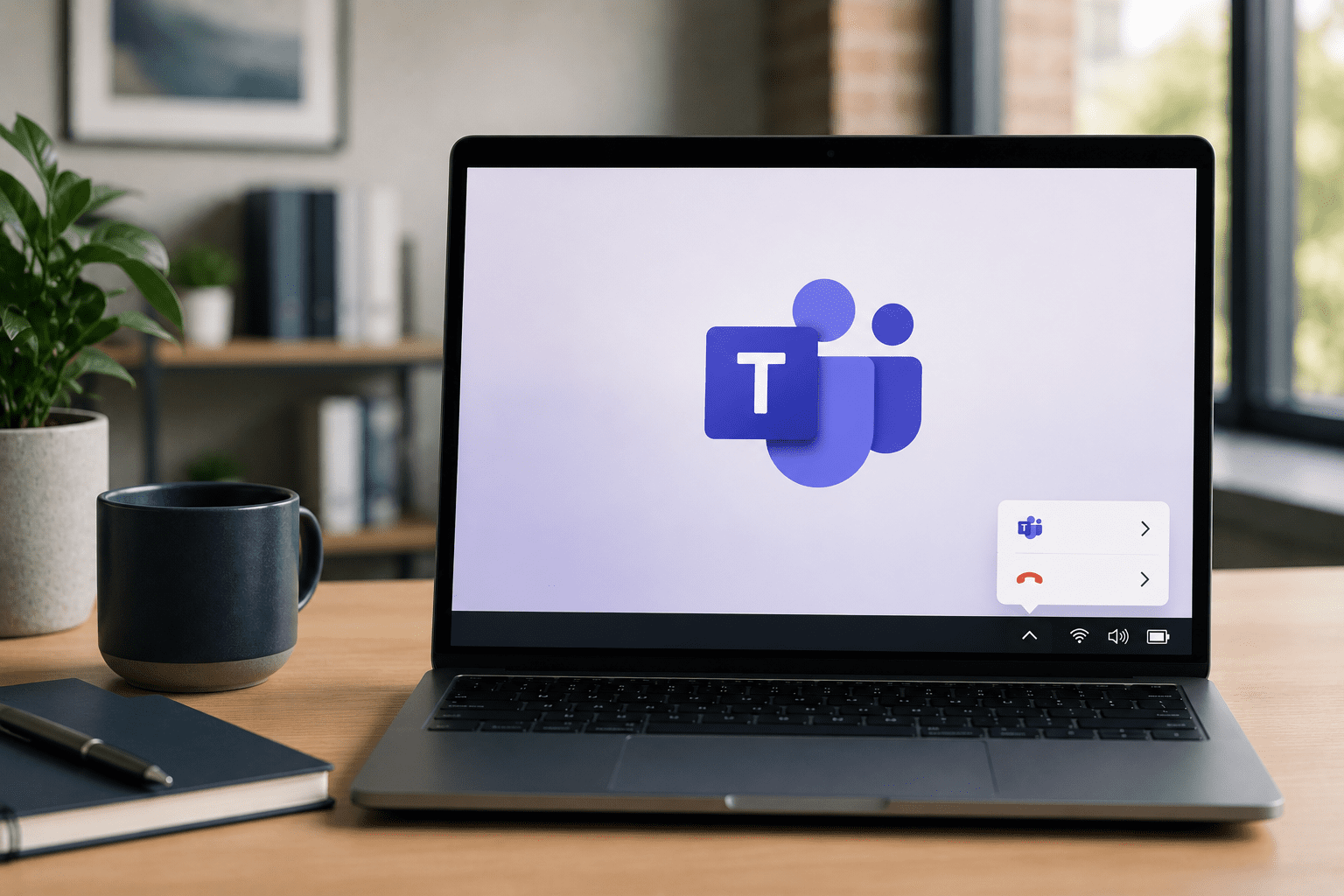
Microsoft has moved the Quit option away from the main cluster of meeting controls and into the Windows system tray.
The system tray is the area near the clock on your desktop where background applications are typically managed.
The goal is straightforward: reduce the chance of users accidentally closing Teams while they’re in a meeting.
If you use the desktop version of Teams, the change should appear automatically. There’s nothing that needs to be configured or enabled.
It’s not a major update, but it’s a good example of how small adjustments can improve the everyday user experience.
When people think about workplace technology, they often focus on major innovations such as AI, automation or new software platforms.
However, productivity is frequently shaped by much smaller factors.
Reducing unnecessary clicks, minimising interruptions and making tools easier to use can have a meaningful impact over time.
A few seconds saved here and there may not sound significant, but across dozens of meetings every week, those small improvements add up.
More importantly, they reduce frustration and help people stay focused on their work.
While this update reduces the risk of accidentally quitting Teams, it doesn’t completely eliminate the possibility of leaving a meeting by mistake.
Fortunately, Teams includes a useful feature that many users don’t know exists.
Within Settings > General, you can enable a confirmation message before leaving a meeting.
That additional “Are you sure?” prompt can prevent an accidental click from turning into an awkward disappearance during an important discussion.
For organisations that rely heavily on virtual meetings, it’s a simple setting that’s worth enabling.
Microsoft is also rolling out another update that allows users to hide the meeting toolbar during calls.
The change provides more screen space and reduces distractions, particularly when presenting content or sharing information.
Like the updated Quit function, it’s not a revolutionary feature.
But it contributes to a smoother and more polished meeting experience.
The best technology updates aren’t always the ones that make headlines.
Often, they’re the small improvements that quietly remove friction and make everyday work a little easier.
Microsoft’s latest Teams update is a good example. Moving the Quit option away from the main meeting controls won’t revolutionise virtual meetings, but it could save plenty of awkward moments and unnecessary interruptions.
Small improvements can have a big impact on productivity when they’re applied consistently across a business.
If you’d like to explore ways to help your team work more efficiently, securely and with less day-to-day friction, get in touch with the team at Perigon One.